Super Memory AI Agent with Hermes & RAG
รายละเอียด
Super Memory AI Agent with Hermes & RAG
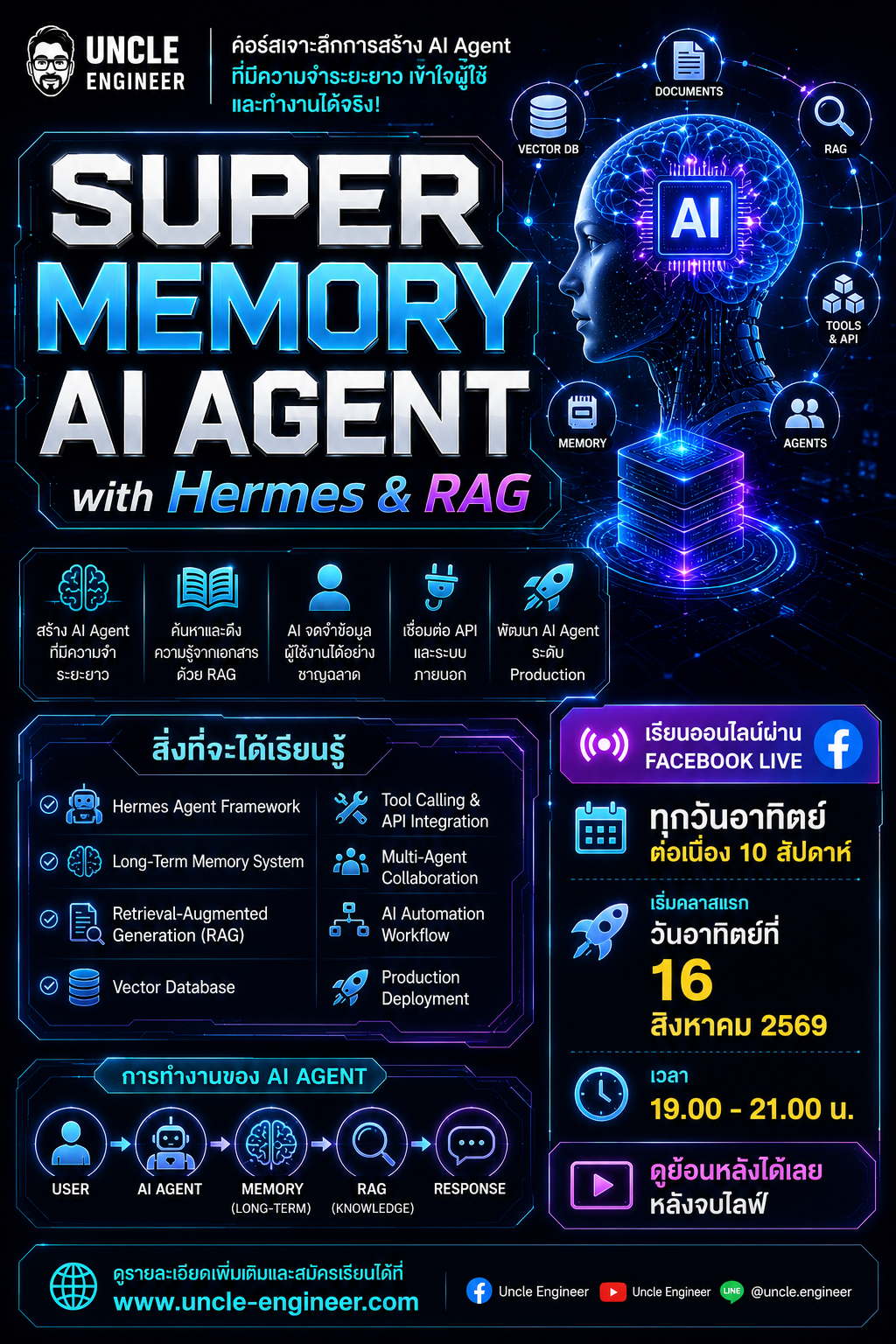
สร้าง AI Agent ที่มีความจำระยะยาว ค้นหาความรู้จากเอกสาร และทำงานอัตโนมัติได้เหมือนผู้ช่วยส่วนตัว
---
Course Overview
คอร์สนี้จะพาผู้เรียนเรียนรู้การสร้าง AI Agent ด้วย Hermes Agent Framework ผสานกับเทคนิค Retrieval-Augmented Generation (RAG) และระบบ Long-Term Memory เพื่อสร้าง AI Assistant ที่สามารถจดจำข้อมูลผู้ใช้งาน ค้นหาความรู้จากเอกสาร เชื่อมต่อ API และทำงานอัตโนมัติได้จริง
เมื่อจบคอร์ส ผู้เรียนจะสามารถพัฒนา AI Agent ระดับ Production ที่มีความสามารถด้าน Memory, Knowledge Retrieval และ Multi-Agent Collaboration ได้ด้วยตนเอง
---
Week 1 : Introduction to AI Agents
Topics
AI Evolution
- Traditional Software
- Chatbot
- LLM
- AI Agent
- Agentic AI
Agent Architecture
- Brain
- Memory
- Tools
- Knowledge
- Workflow
Understanding Hermes
- Hermes Model Overview
- Agent Capabilities
- Reasoning
- Planning
Workshop
สร้าง AI Chatbot ด้วย Hermes
---
Week 2 : Prompt Engineering for Hermes
Topics
System Prompt Design
- Agent Role
- Persona
- Objectives
- Constraints
Conversation Design
- Multi-turn Conversation
- Context Management
- Guardrails
Agent Behavior Control
- Consistent Responses
- Structured Output
- JSON Output
Workshop
สร้าง Personal Assistant ที่มีบุคลิกเฉพาะตัว
---
Week 3 : Building Hermes Agents
Topics
Agent Components
- Input
- Reasoning
- Action
- Output
Task Planning
- Goal Definition
- Task Breakdown
- Decision Making
Tool Calling
- Function Calling
- External Tools
- Action Execution
Workshop
สร้าง Hermes Agent ที่สามารถเรียกใช้ Function ได้
---
Week 4 : Memory Systems
Topics
Memory Types
- Short-Term Memory
- Long-Term Memory
- Episodic Memory
- Semantic Memory
Memory Architecture
- User Profile
- Conversation History
- Memory Storage
Memory Retrieval
- Memory Ranking
- Memory Recall
- Context Building
Workshop
สร้าง AI Agent ที่จำข้อมูลผู้ใช้ได้
---
Week 5 : Vector Database & Embeddings
Topics
Embeddings
- Semantic Meaning
- Vector Representation
- Similarity Search
Vector Databases
- ChromaDB
- FAISS
Data Preparation
- Chunking
- Metadata
- Cleaning Data
Workshop
สร้าง Memory Database สำหรับ Agent
---
Week 6 : Building RAG Systems
Topics
RAG Fundamentals
- Retrieval
- Augmentation
- Generation
Document Processing
- PDF
- DOCX
- TXT
Search Pipeline
- Query
- Retrieve
- Context Injection
Workshop
สร้าง AI Assistant อ่าน PDF
---
Week 7 : Advanced Knowledge Systems
Topics
Knowledge Sources
- Website
- PDF
- YouTube
- Database
Advanced Retrieval
- Hybrid Search
- Multi Query Retrieval
- Reranking
Knowledge Validation
- Citation
- Verification
Workshop
สร้าง AI ผู้ช่วยตอบคำถามจากคลังความรู้
---
Week 8 : Tool Calling & Automation
Topics
API Integration
- REST API
- JSON
- Authentication
External Systems
- Google Sheet
- Database
- Web Services
Automation Workflow
- Event Driven
- Scheduled Tasks
- Background Processing
Workshop
สร้าง AI Agent เชื่อมต่อ Google Sheet
---
Week 9 : Multi-Agent Systems
Topics
Agent Roles
- Planner Agent
- Research Agent
- Memory Agent
- Evaluator Agent
Agent Communication
- Task Delegation
- Information Sharing
- Collaboration
Agent Orchestration
- Workflow Design
- Error Handling
Workshop
สร้างทีม AI Agent ทำงานร่วมกัน
---
Week 10 : Final Project
Project Title
Super Memory AI Assistant
Features
Memory System
- จำข้อมูลผู้ใช้
- จำประวัติการสนทนา
- จำข้อมูลสำคัญอัตโนมัติ
Knowledge System
- อ่าน PDF
- อ่านเอกสารบริษัท
- ค้นหาข้อมูลด้วย RAG
Agent Capabilities
- วางแผนงาน
- ตอบคำถาม
- เรียกใช้ API
- เชื่อมฐานข้อมูล
Multi-Agent Workflow
- Planner Agent
- Research Agent
- Memory Agent
Deployment
- Local Deployment
- Web Interface
- Production Setup
---
Technologies
- Python
- Hermes
- OpenRouter
- ChromaDB
- FAISS
- LangChain
- FastAPI
- SQLite
- PostgreSQL
---
Learning Outcomes
เมื่อจบคอร์ส ผู้เรียนจะสามารถ
- สร้าง AI Agent ด้วย Hermes
- ออกแบบระบบ Long-Term Memory
- สร้างระบบ RAG จากเอกสาร
- เชื่อมต่อ API และฐานข้อมูล
- พัฒนา Multi-Agent Workflow
- Deploy ระบบ AI Assistant ใช้งานจริง
- สร้าง Super Memory AI Agent สำหรับองค์กรหรือใช้งานส่วนตัวได้
<<วันเวลาเรียน>>>
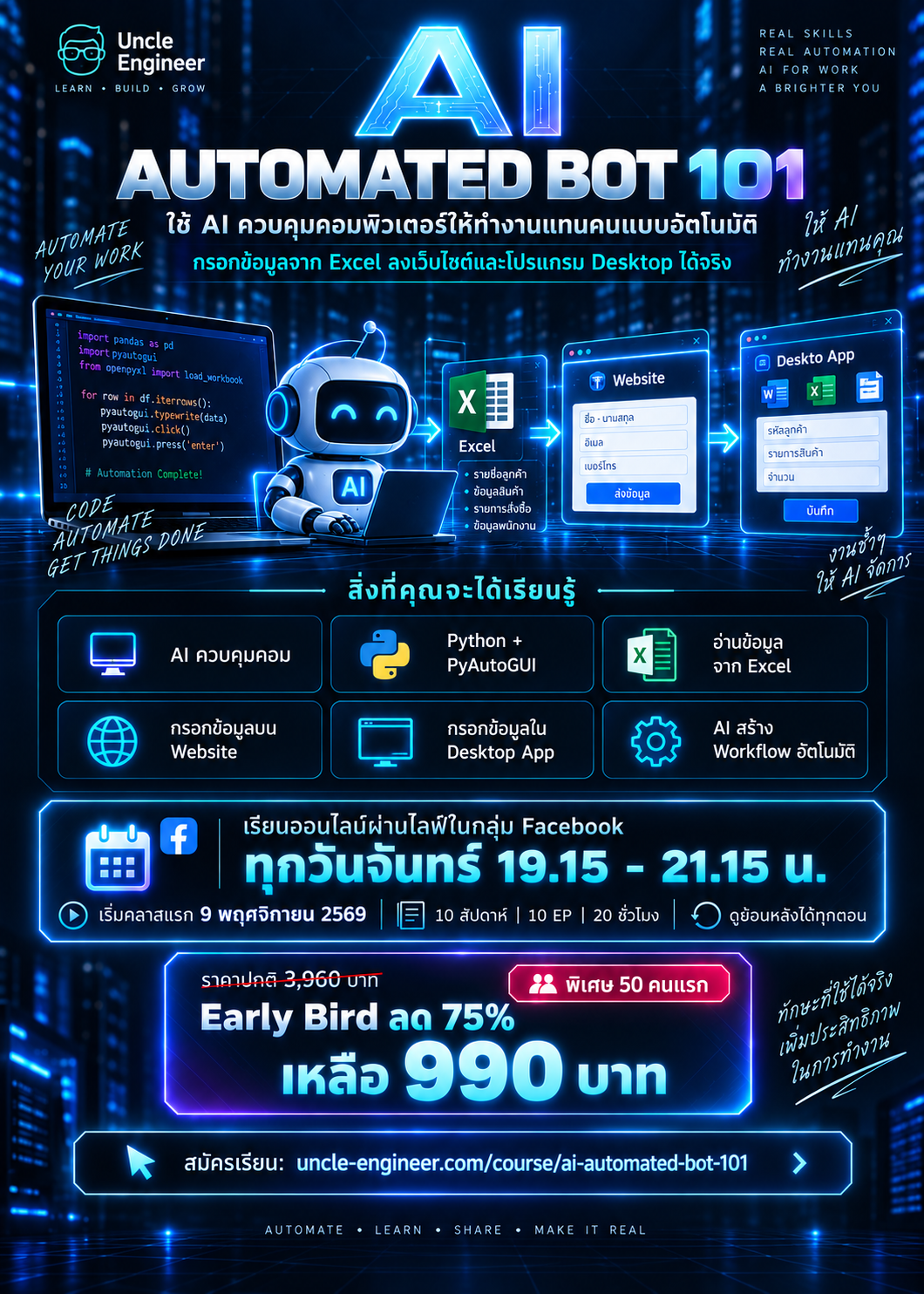
เรียนออนไลน์ผ่านไลฟ์ในกลุ่มเฟสบุ๊ค ทุกวันอาทิตย์ยาว 10 สัปดาห์ เริ่มคลาสแรกวันอาทิตย์ที่ 16 สิงหาคม 2569 และ เวลา 19.00-21.00 น. (ดูย้อนหลังได้เลยหลังจบไลฟ์)
<<<ค่าลงทะเบียนปกติ 3,960 บาท ลดให้พิเศษ! early bird 75% >>>
สำหรับ 50 คนแรกที่เห็นข้อความนี้เท่านั้น จ่ายเพียง 990 บาทเท่านั้น!
กดสมัครทางนี้ได้เลยจ้าาา
-----วิธีสมัคร------
1-กรอกข้อมูลตามแบบฟอร์มนี้ https://www.uncle-engineer.com/course/super-memory-ai-agent-hermes-rag>
2- โอนชำระผ่านบัญชีด้านล่างแล้วแนบสลิปสมัครแล้วกดส่ง >
3-รอรับอีเมลภายใน 24 ชั่วโมง
-----------------
ชำระค่าใช้จ่ายผ่าน…
บัญชี ออมทรัพย์ ธนาคารกรุงเทพ สาขา สยามพารากอน
ชื่อบัญชี: บริษัท คอนส์ โรโบติกส์ จำกัด
เลขบัญชี: <<<< 855-0-65158-5 >>>>
หรือ พร้อมเพย์ 0105561008411
ชื่อบัญชี: บริษัท คอนส์ โรโบติกส์ จำกัด
สอบถามข้อมูลเพิ่มเติมทางเพจ "ลุงวิศวกร สอนคำนวณ" https://www.facebook.com/UncleEngineer/ หรือไลน์แอด @uncleengineer
-------------------
ราคาปกติ: 3,960 บาท
ส่วนลดบุคคลทั่วไป ลด 75% เหลือ:
990 บาท
สมัครเรียนกรอกแบบฟอร์มทางนี้